Generating an image
Transform ideas into original visuals in seconds—just use the text prompt and filters to turn your vision into reality.
Start with a detailed prompt
Open the AI Generator from the main navigation, then in the prompt bar, describe in detail the image you want to generate. For best results, include:
- A main subject (person, place, or thing)
- The action or activity happening in the scene (what is the subject doing)
- The location (anything from the realistic to the fantastical)
When you're happy with your prompt, click "Generate." You'll see 4 boxes with AI sparkle icons that indicate the AI Generator is working to create 4 distinct versions of your image. You can then choose and download one of the AI‑generated versions.
Did you know?
Each image you generate using Getty Images' AI Generator is safe for commercial use and comes with our powerful legal protections and indemnification, starting at $50,000 USD per generated image.
Use presets to influence your results
Skip additional prompt descriptions using the settings available in the right panel before you generate:
- Create very different looks by switching between Photo and Illustration.
- Choose the Aspect Ratio you need for different projects or social platforms.
- Use the Color & Mood filters to generate images with specific atmospheres or palettes.
Recommended for you
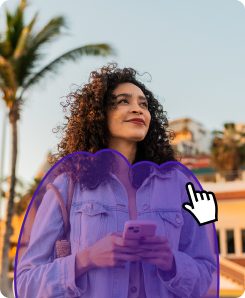
Adding or replacing image details
Turn almost there into just right—use powerful AI tools to modify and refine pre‑shot or visuals you’ve generated on‑site.
Learn how easy it is to download and license your commercially safe AI‑generated and modified images that include flexible usage rights.
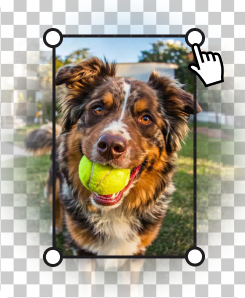
Expand images to fit different platforms, make more room for copy, or adjust the positioning of the visual’s main subject.